

NotaryOps for iPhone
01 · One workspace
Run every signing from one clear workspace.
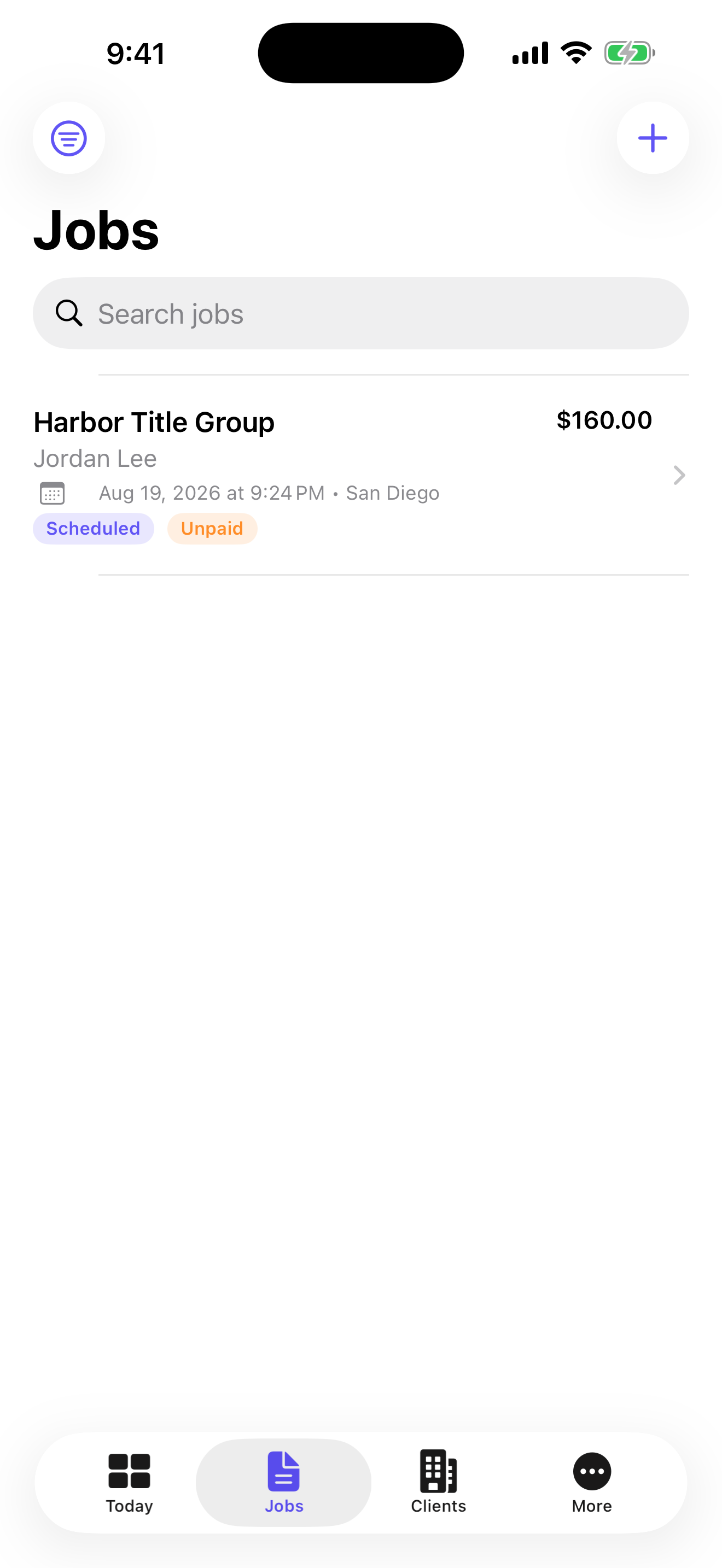
Keep appointments, clients, signers, checklists, mileage, payments, receipts, reports, and backups organized on your iPhone. NotaryOps keeps the business record together and local.
Scroll through the real workflow.
02 · Today at a glance
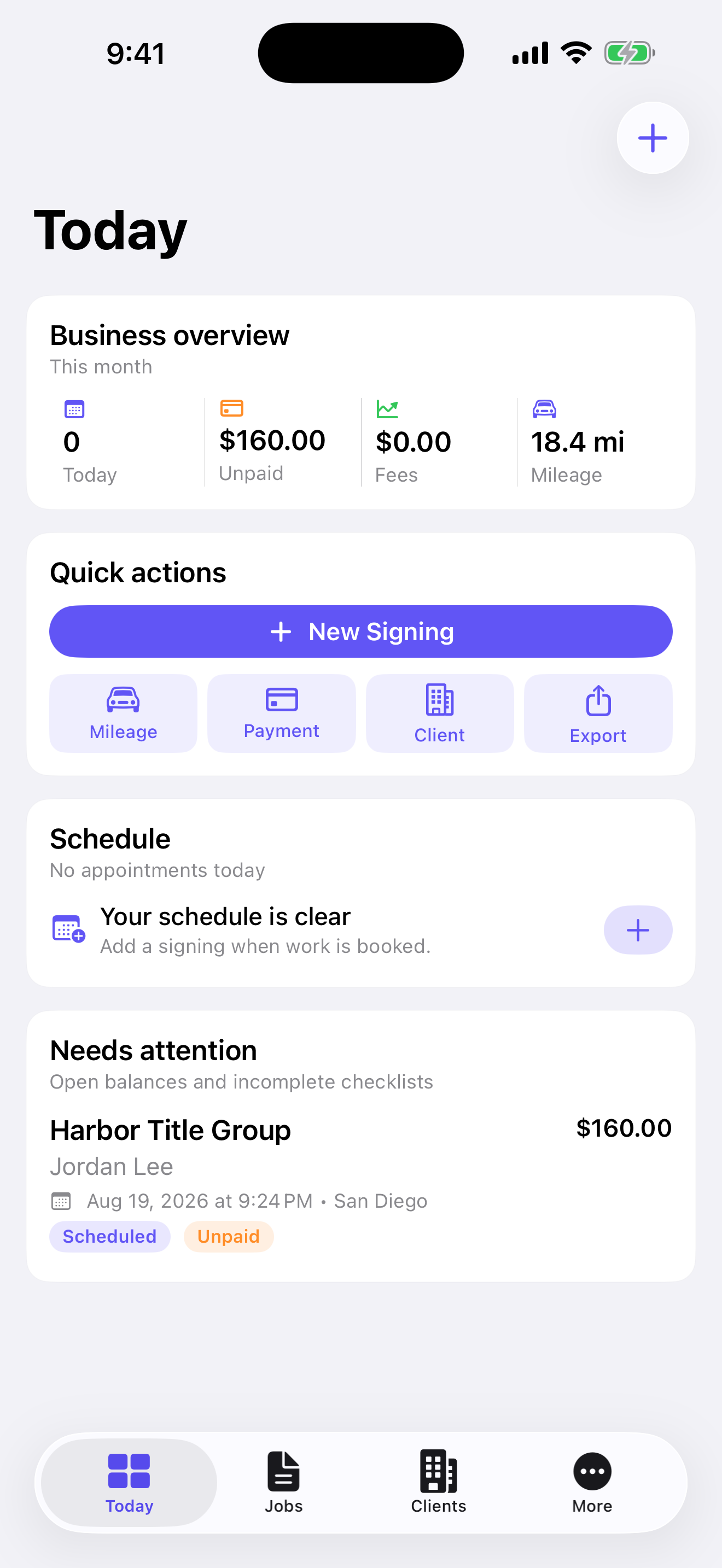
See what needs attention today.
Review today’s schedule, unpaid work, mileage, quick actions, and unfinished checklists from one calm starting point.
03 · Each signing
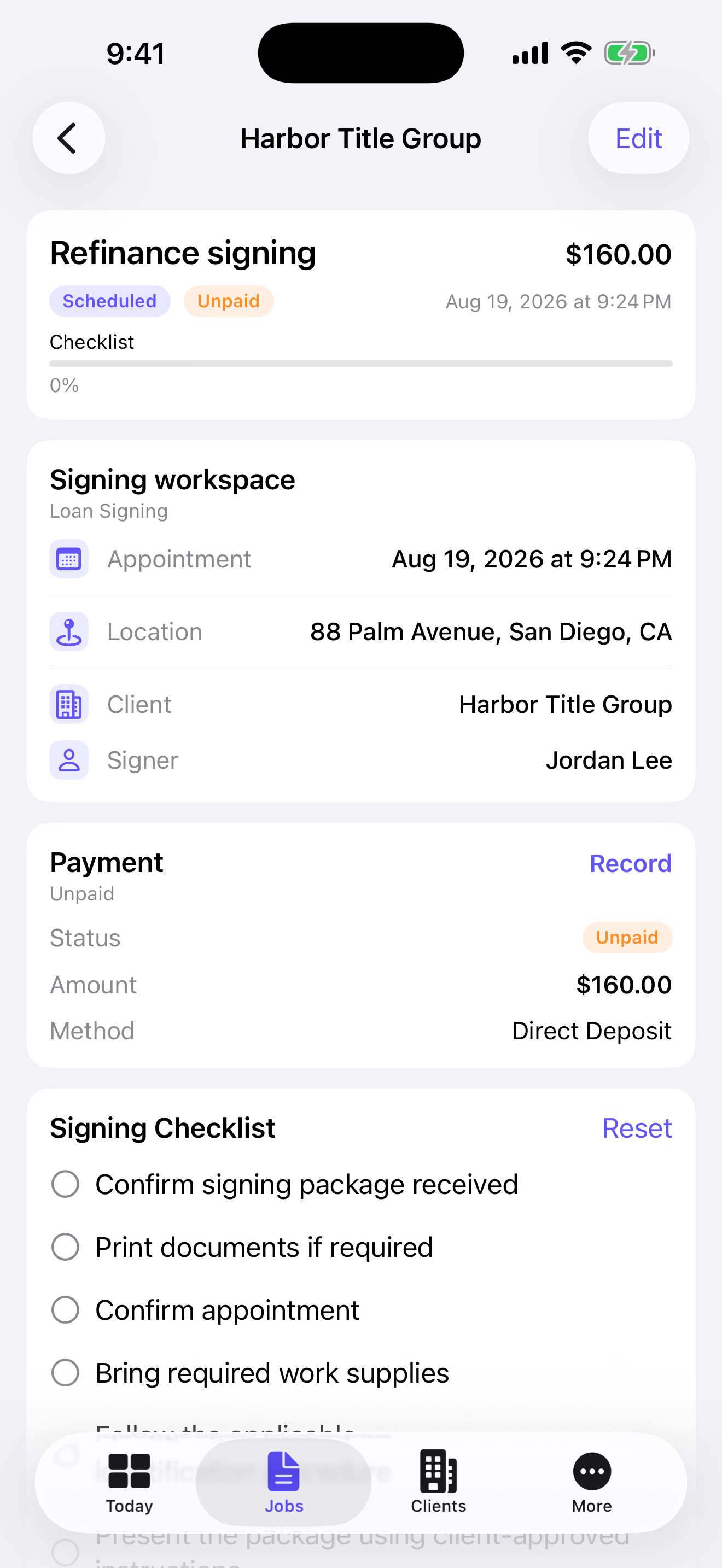
Keep every detail connected to the job.
Keep the appointment, client, signer, location, fee, status, and checklist together from booking through follow-up.
04 · Payments and mileage
See what you earned, what was paid, and how far you drove.
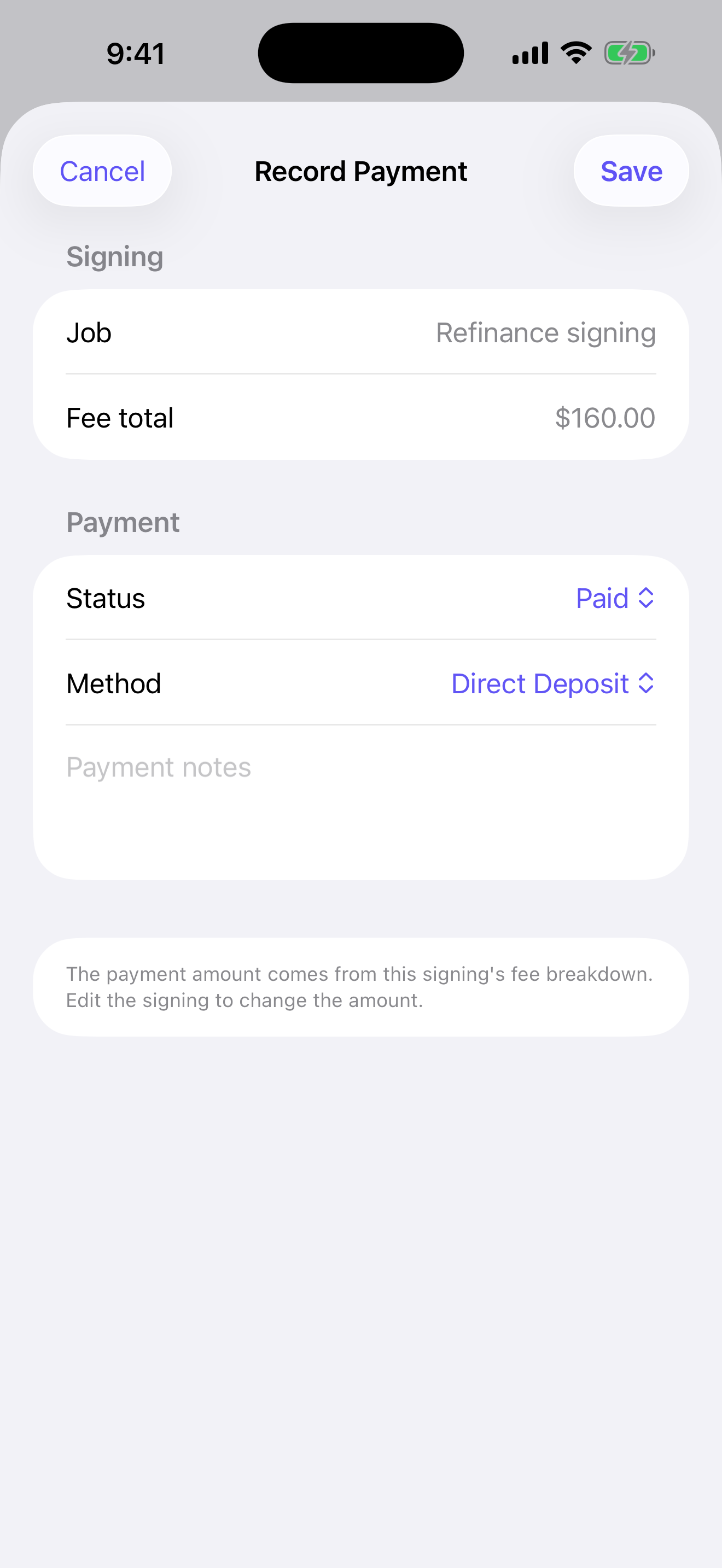
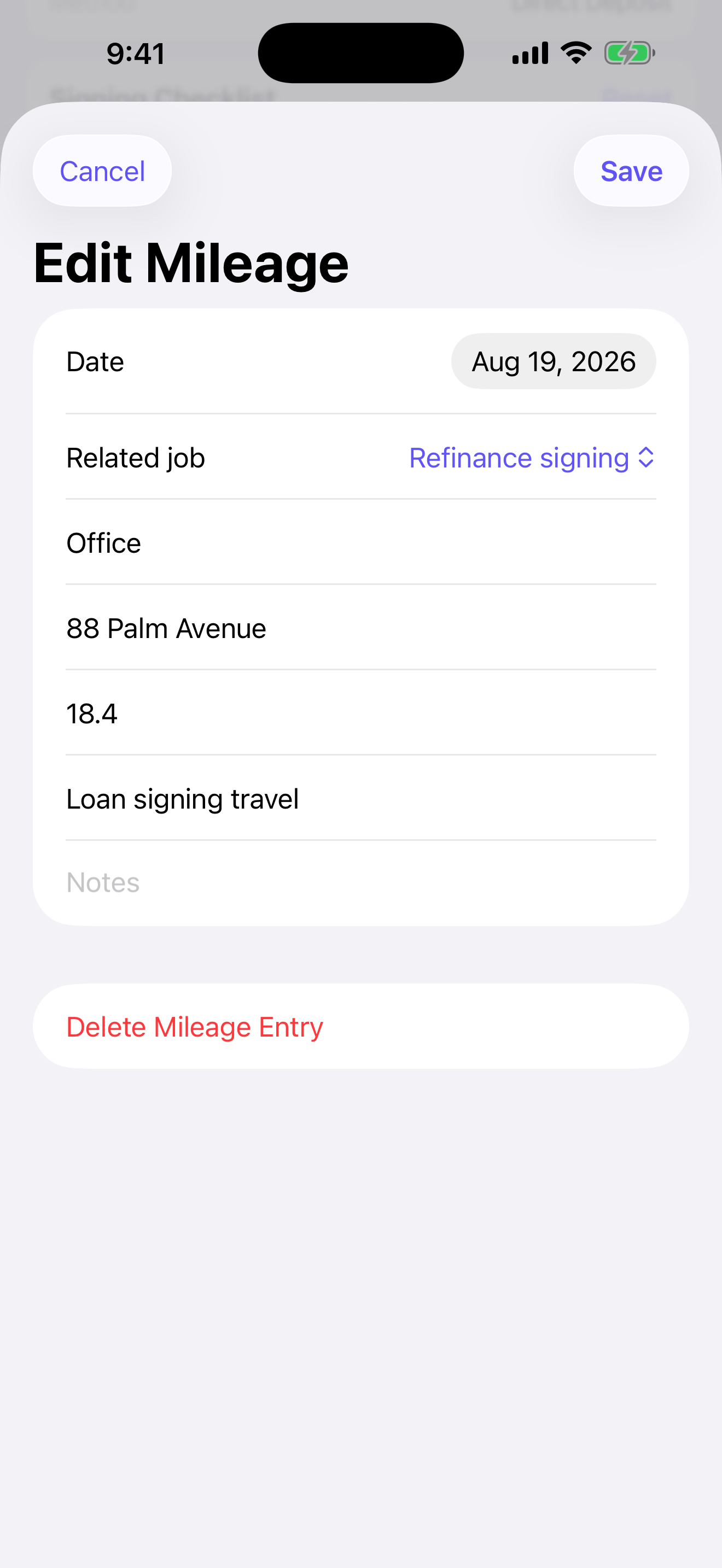
Record each signing fee and payment status, note the payment method, and log editable mileage separately for clearer business records.
05 · Reports and receipts
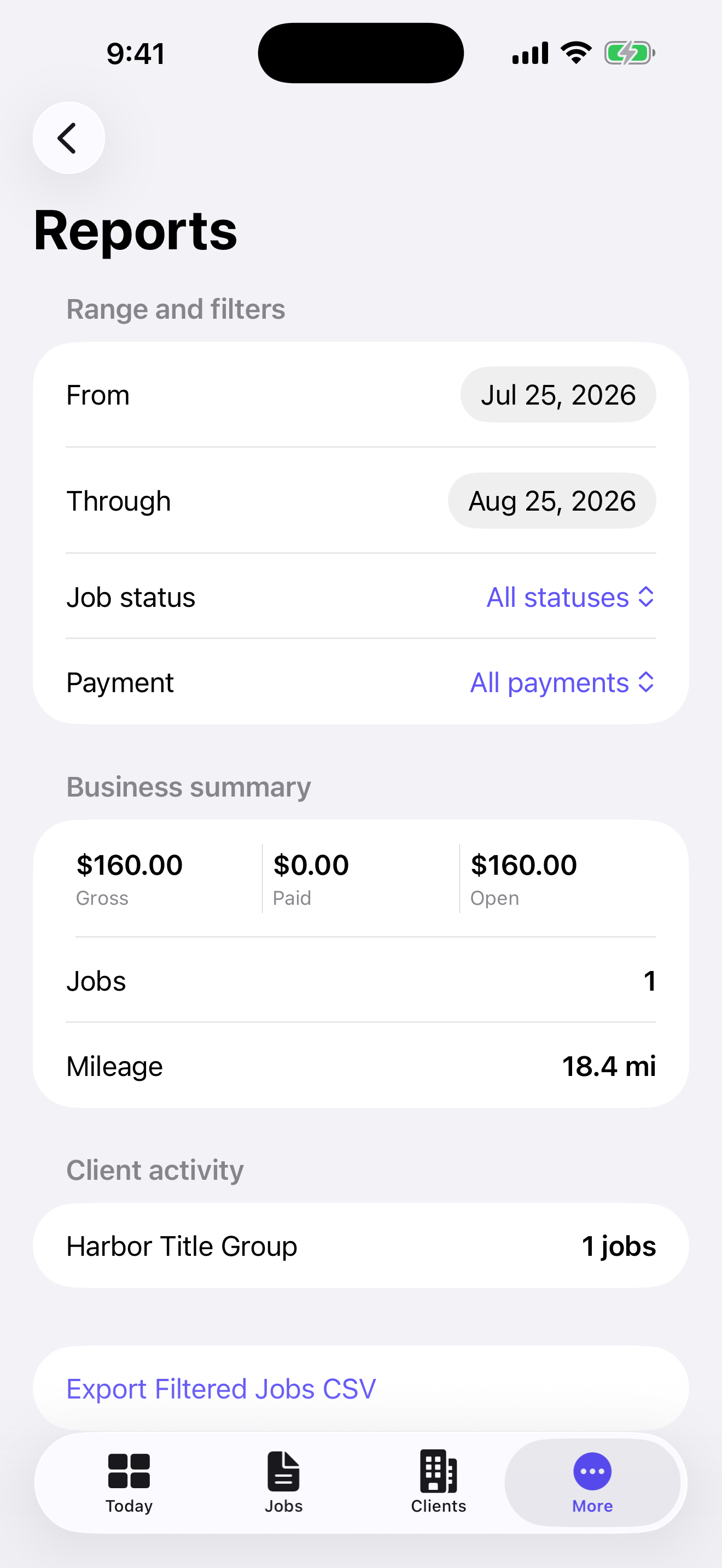
See the business without digging through records.
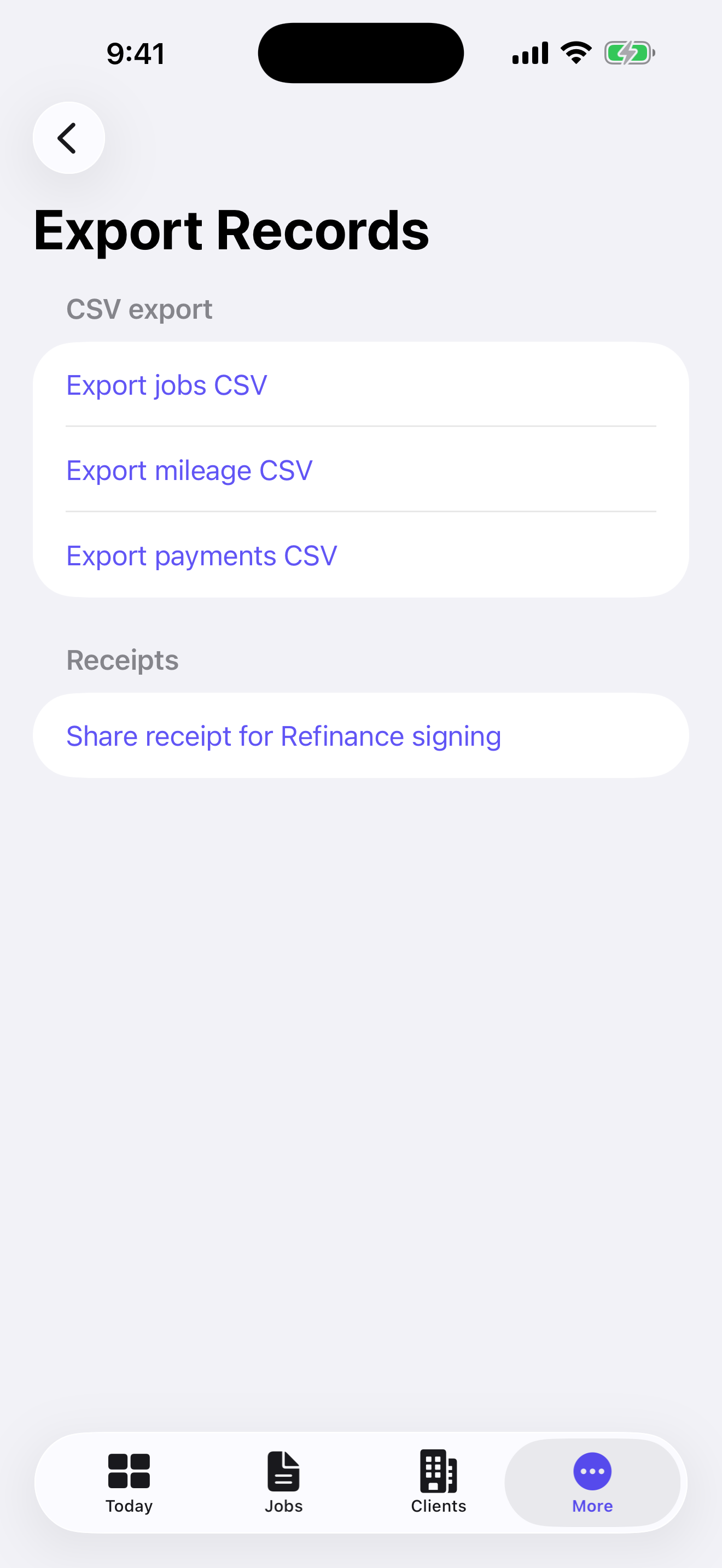
Filter by date, job status, or payment state; review gross, paid, open, mileage, and client activity; then export the records you choose as CSV or share a receipt as PDF.
06 · Local records
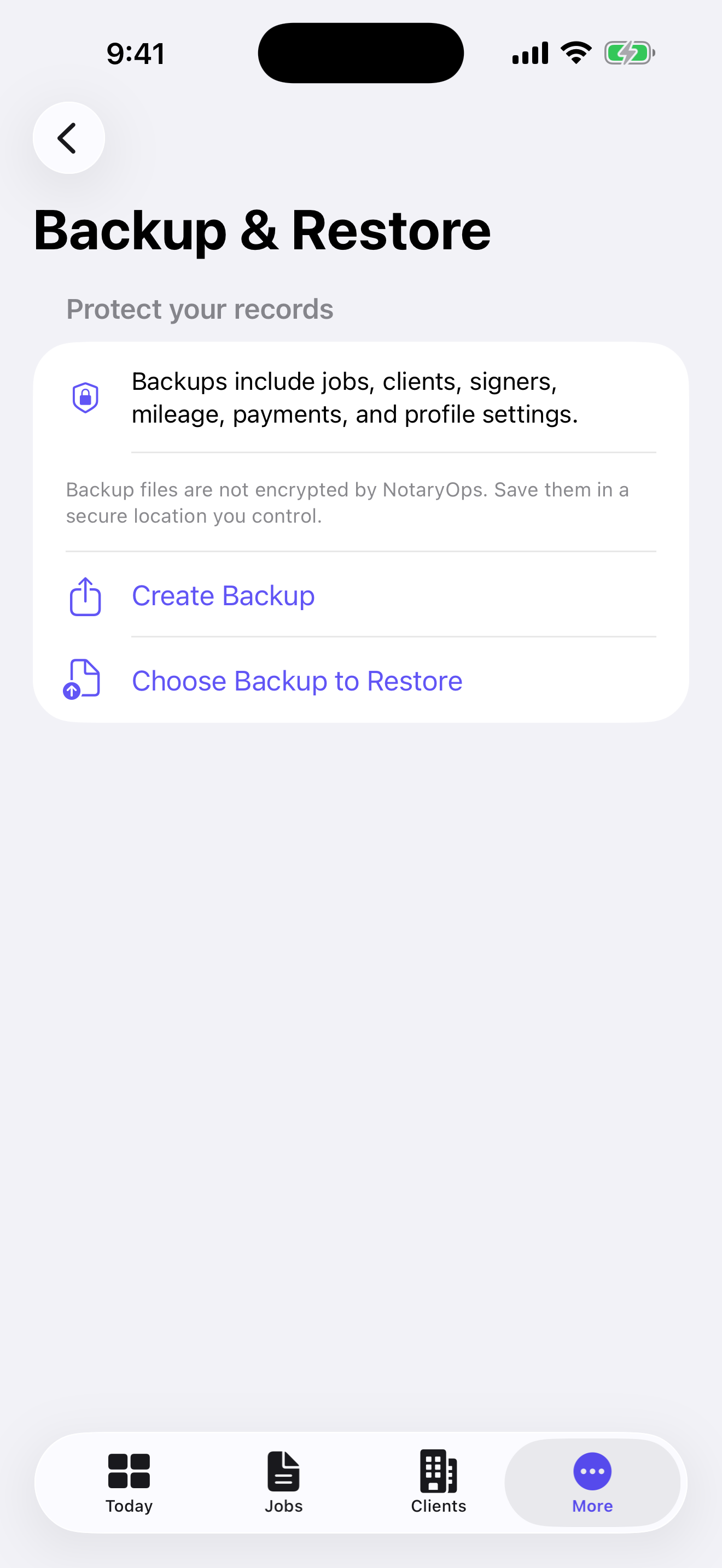
Your business records stay on your iPhone.
NotaryOps has no account and no backend. You decide when to create a backup, restore one, or export records, and where to save the resulting file.
NotaryOps organizes business records. It does not perform notarizations, provide legal advice, verify identity, provide remote online notarization, or certify an official journal.
NotaryOps
07 · Get NotaryOps
Your notary business, organized.
Available in the United States as a $29.99 one-time paid app for iPhone. No subscription and no NotaryOps account.
Get NotaryOps — $29.99 on the App Store